
🌱First Steps
Your simple steps to fun and profit.

Once you’ve set up and connected your wallet, you’re ready to rule your kingdom!
Buy & Build
To begin, let’s purchase some Gold - you’ll use it to construct your first building.
Click the plus icon next to your Gold balance to open the purchase window.
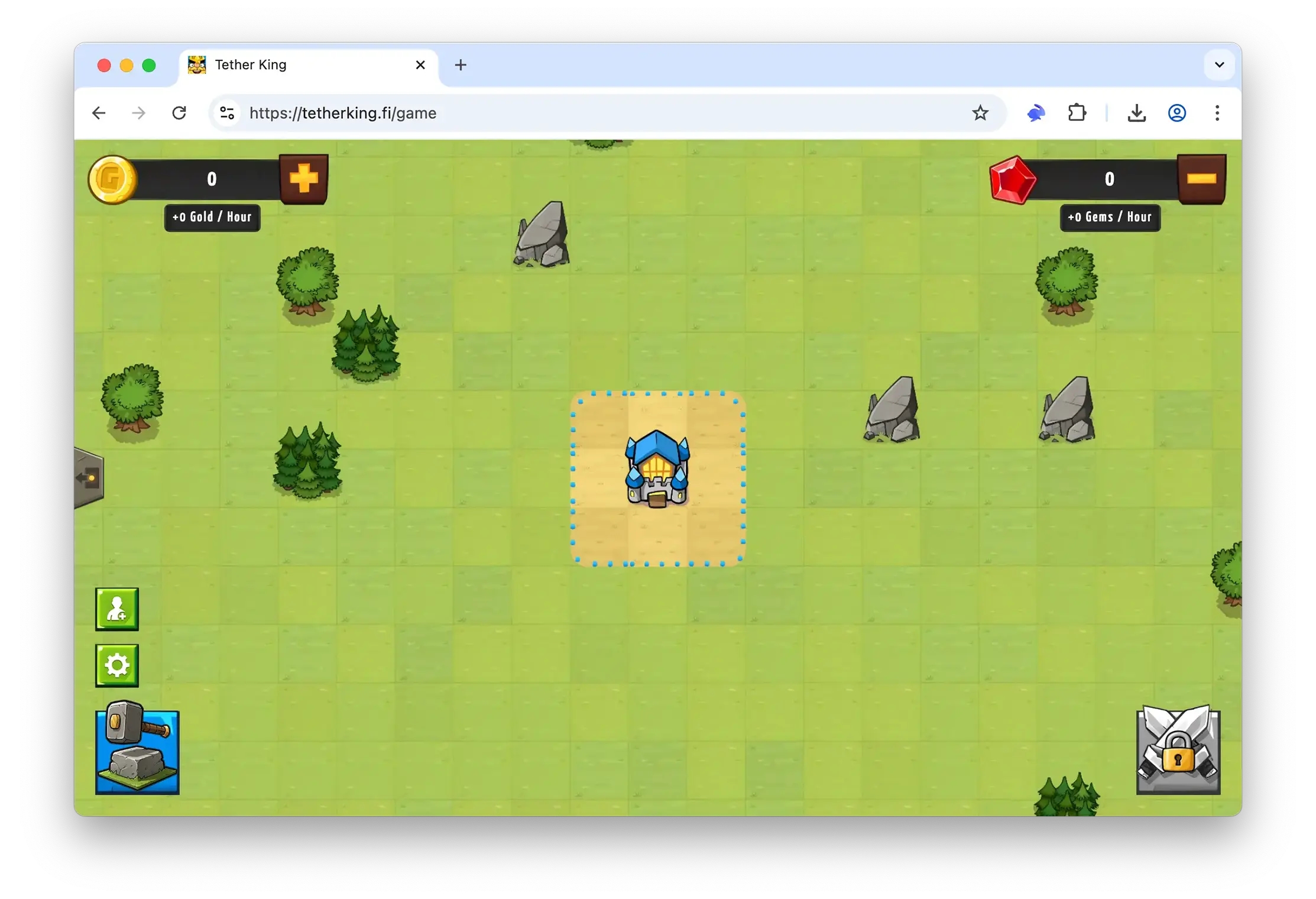
Enter the desired amount, click Buy Gold, and confirm the transaction in your wallet.

Choose an empty tile on the map and click the sledgehammer icon.

Select the building you want to construct and click the Purchase button.

Confirm the construction and sign the transaction in your wallet.


Here you go! The building is up and already starting to generate passive income. Every hour, your in-game balance will be topped up with Gold and Gems!
Combat Trial
Purchasing the building has unlocked unique units that immediately joined your army.

Send your units into battles and earn extra Gold every day!
To do this, click the crossed-swords icon and choose the kingdom you want to raid.

Issue the attack order, confirm the transaction in your wallet and watch the battle results!

You’ll earn a good Gold bonus if you win - and a smaller reward if the enemy army proves stronger.

Taking part in battles significantly boosts your earnings. Regular participation can add up to 50% to your passive Gold income!
Further Expansion
A successful kingdom is a growing kingdom. A wise king doesn’t just spend - he reinvests!
You can exchange your Gems for Gold at a favorable rate.
To do this, click the minus icon next to your Gems balance.

Enter the number of Gems you want to exchange for Gold and press Sell Gems.

The reinvest bonus is 100%: you’ll receive 2 Gold for every 1 Gem!
Grow your kingdom even faster, without increasing your initial investment!
Last updated